The Art of PDF

See it in action

A few seconds each, straight from the app. The documents, names and signature are made up for the demo.

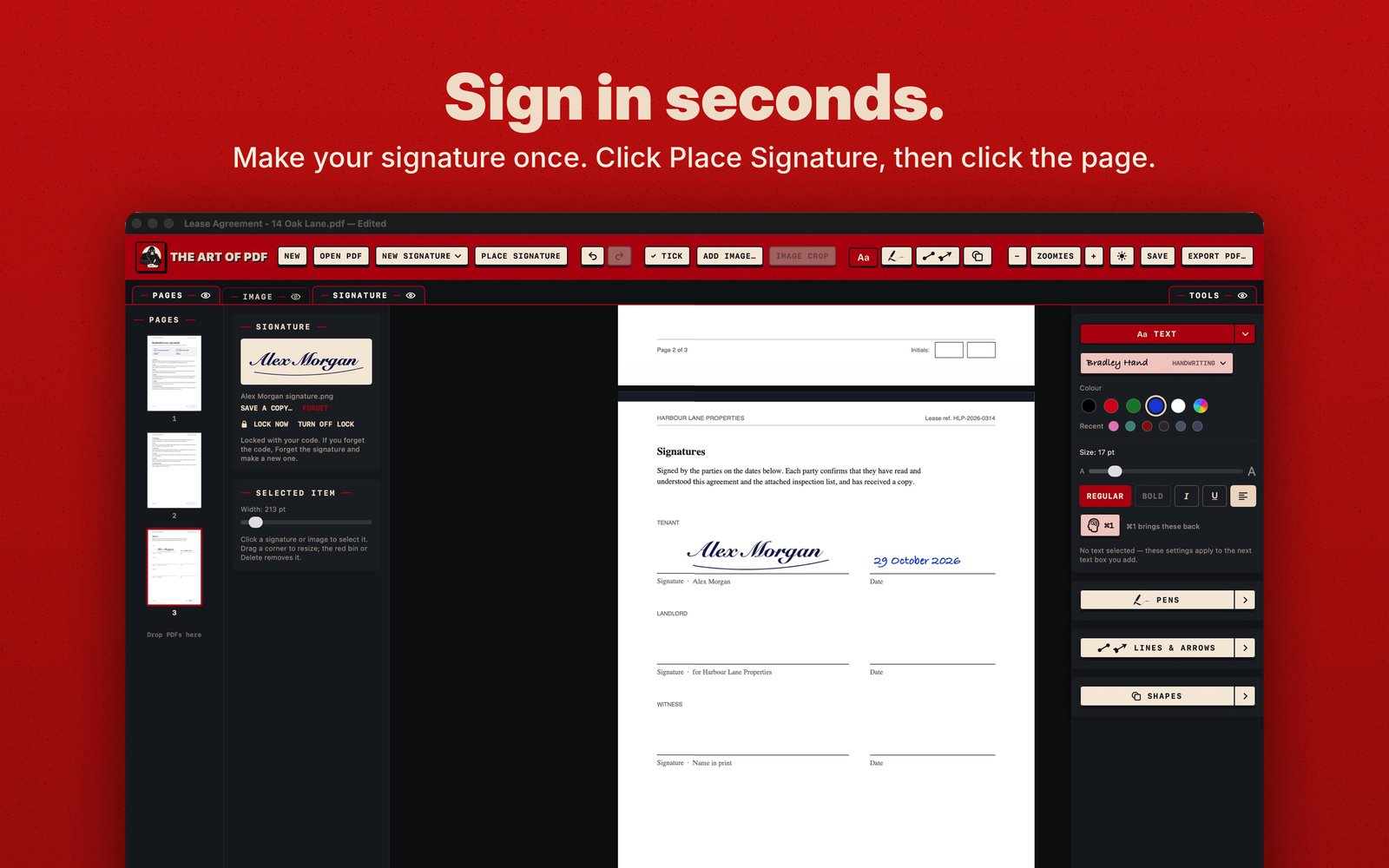
Sign a document. Place Signature, click the line, drag a corner to size it, then add the date with the Text tool. How signing works
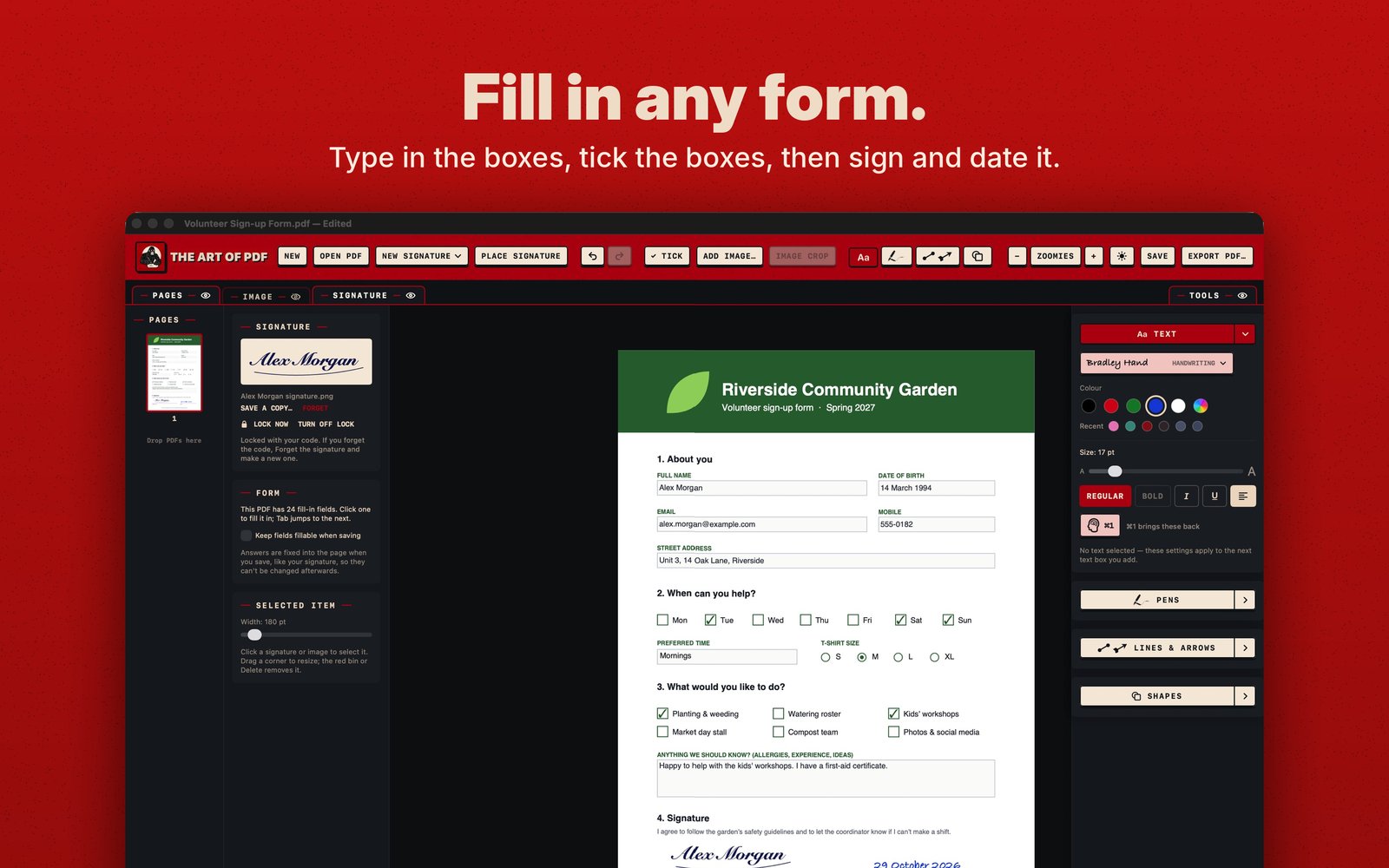
Fill in a form. Click a box and type, tick the boxes, then sign and date it. More on forms
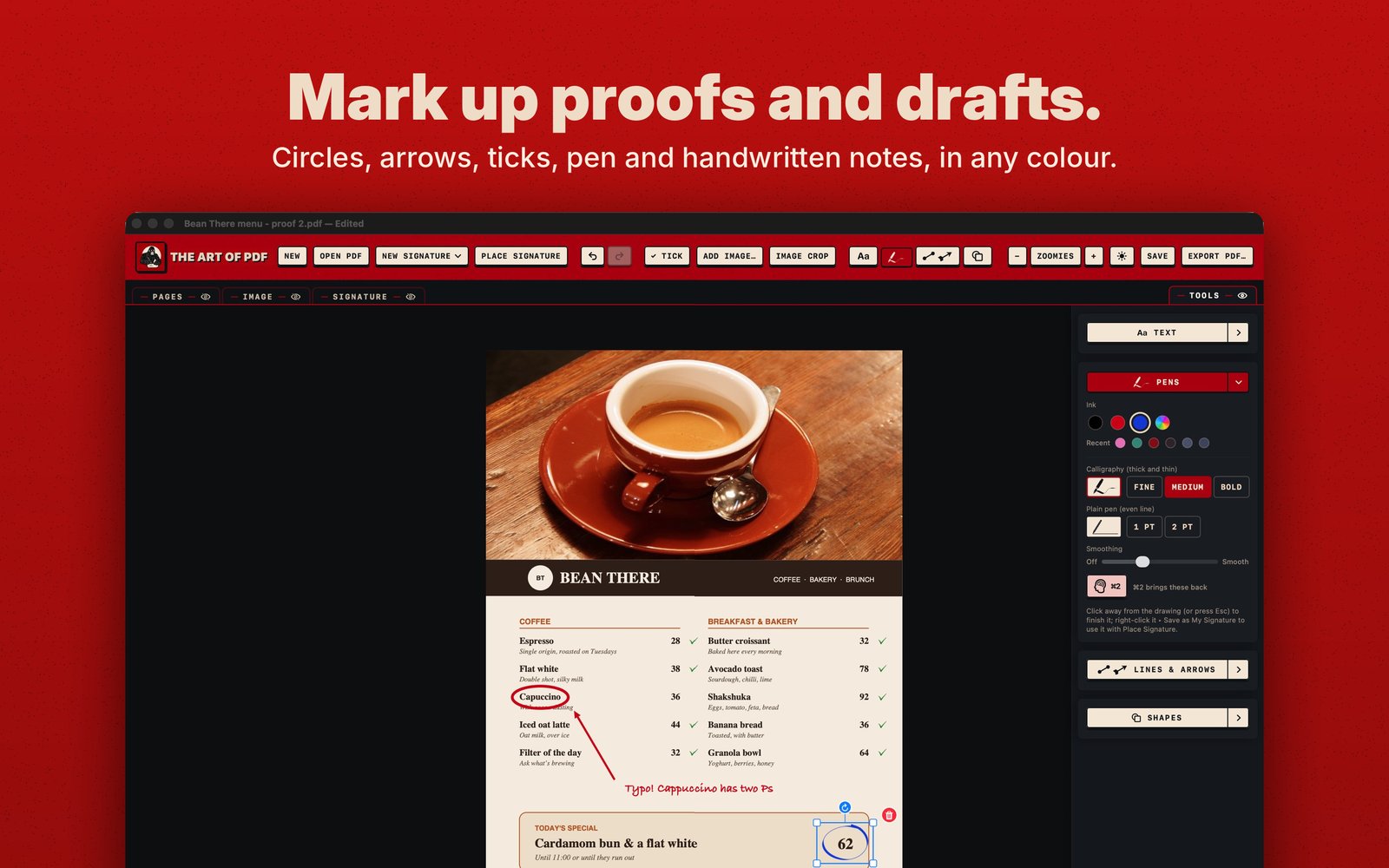
Mark up a proof. Circle the typo, point at it, write a note, tick what's right. The tools
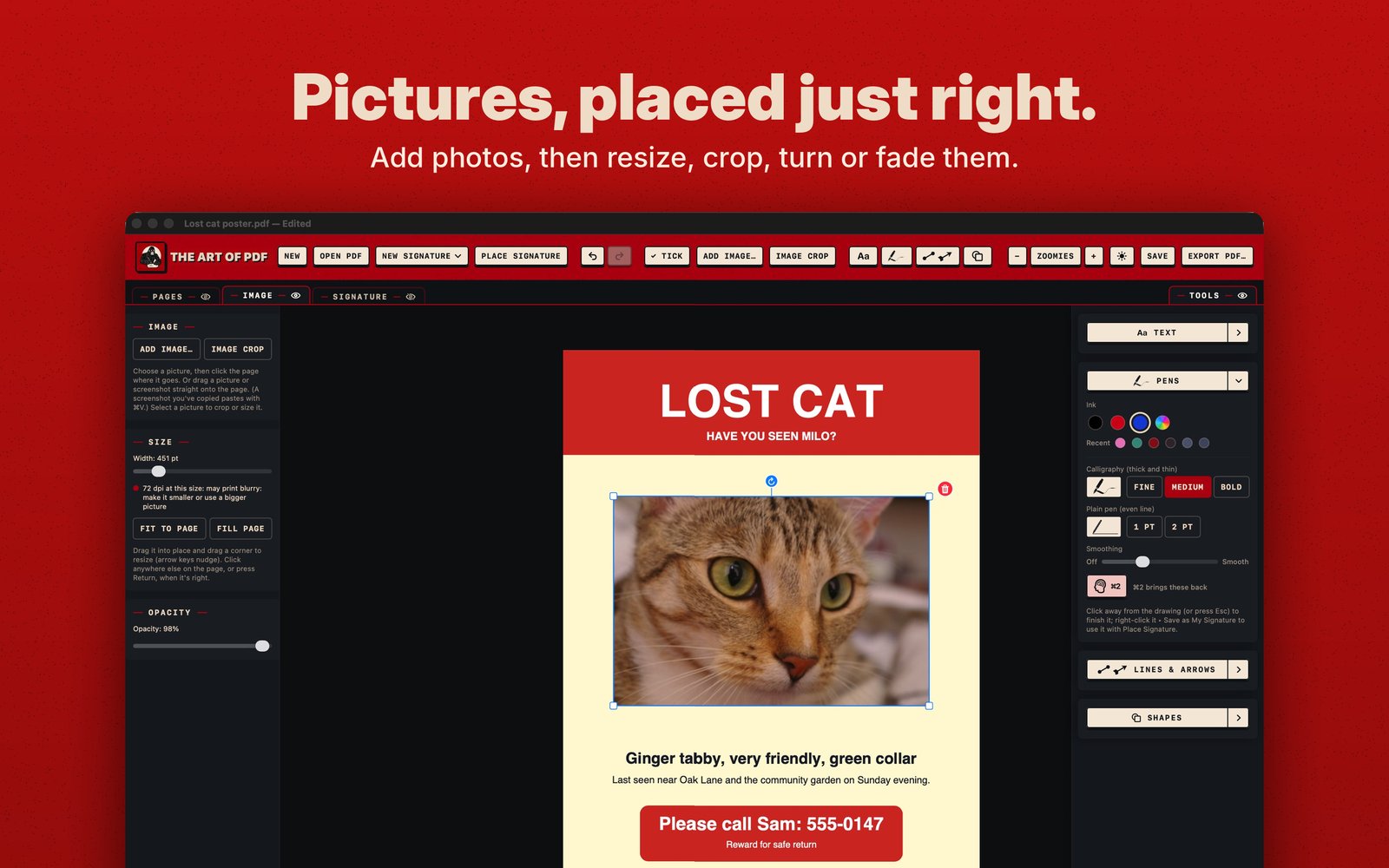
Add a photo. Click where it goes, size it, and fade it with Opacity if you like. More on pictures

Screenshots

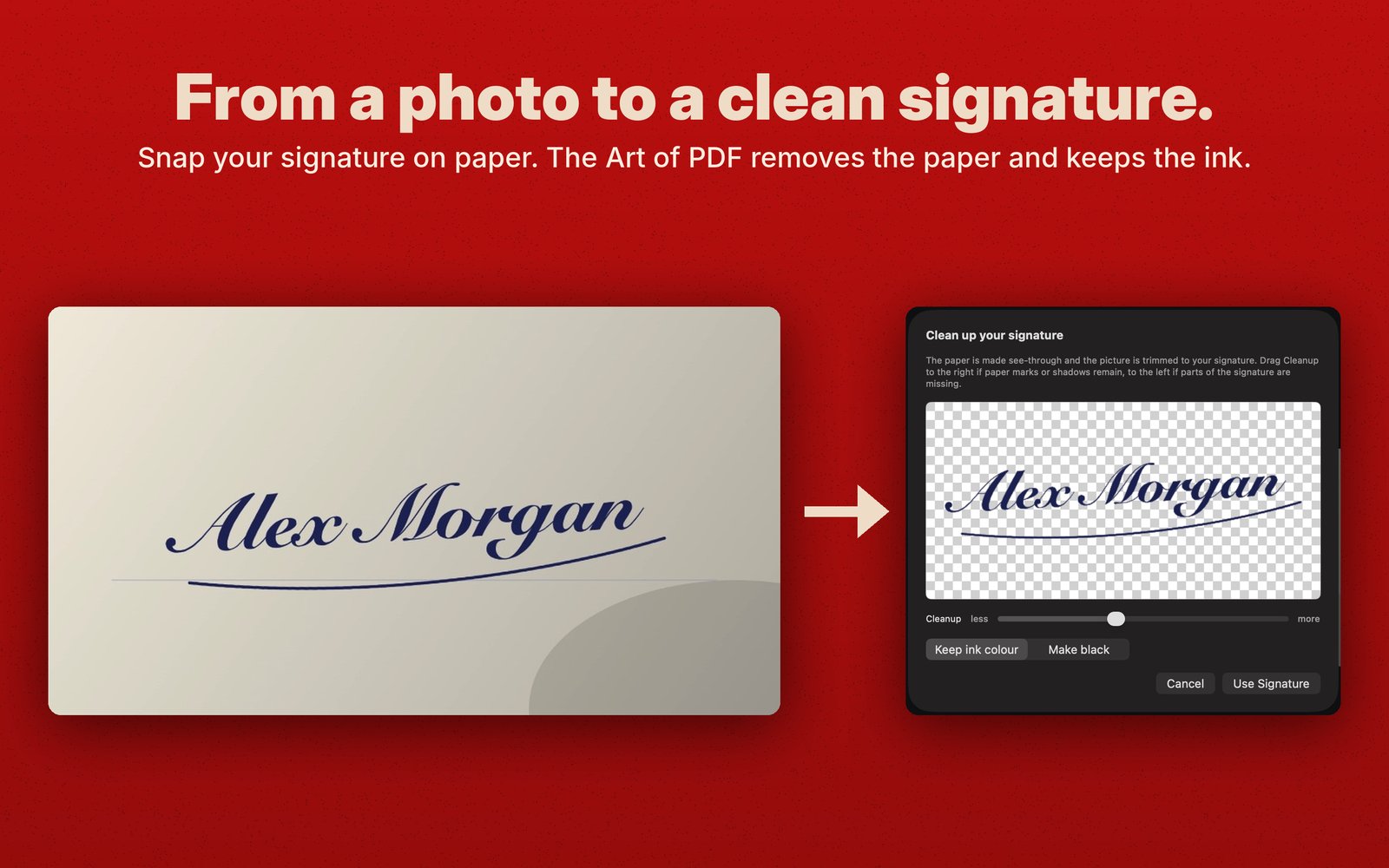
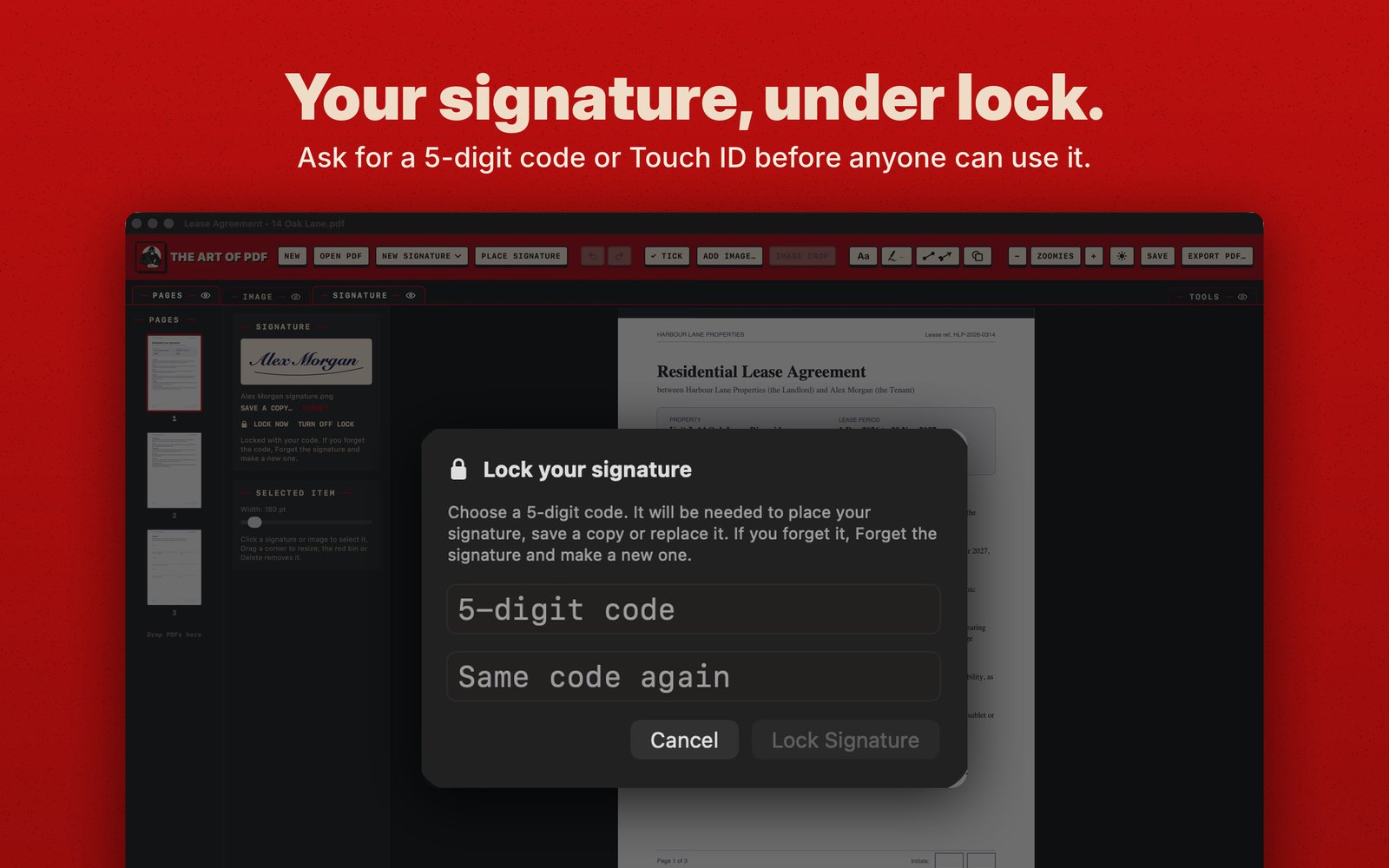
Sign in seconds: a signature and handwritten date on a lease, with the Signature and Text panels open. Fill in any form: a filled-in volunteer form with ticked boxes, signed and dated. Mark up proofs and drafts: a café menu with a circled typo, an arrow, a note, ticks and a pen circle. Pictures placed just right: a cat photo on a lost-cat poster, with the Image panel's Size and Opacity controls. From a photo to a clean signature: a photo of a signature on paper, and the clean-up preview with the paper removed. Your signature under lock: the window for choosing a 5-digit code.